Working With Revit
If you’re working with Autodesk Revit, the easiest way to provide design files is to export them using a plug-in.
Installing and Configuring the Revit Plug-in
The rendering software I use has a plug-in available for Revit that can be used to export your work directly into a format I can use. While Revit can already export to other formats, details and information are often lost. Using the plug-in ensures all the information the renderer needs is provided.
(1) Download the following plug-in installer: D5_Sync_Revit_usa_0.4.8.0006.zip
(2) Run the installer file D5_Sync_Revit_usa_0.4.8.0006.exe found within
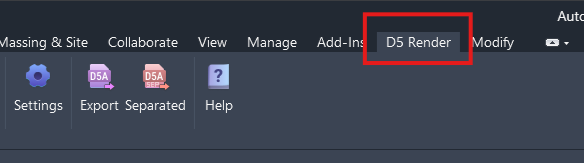
(3) After the installation completes, run Revit and you will see a new menu item labeled D5 Render
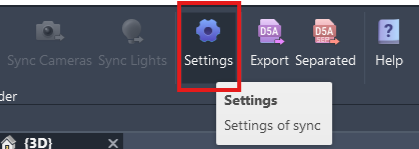
(4) Click on the Settings button to configure how the plug-in will export the file…
(5) Adjust the settings as show in the image below: